

Let me be honest: the moment you crank up the bass on your car audio, you want that boom to hit just right— not drown out the dialogue or sound like a jackhammer on the highway. That sweet spot is a balance of gain, frequency, and placement, and it’s surprisingly easy to hit once you know the tricks.
Think about the last time you tweaked your amp and the bass just *floated*—you heard the groove but it felt hollow. That gap between “bass boost” and a punchy boost is about balancing the signal with your vehicle’s acoustics, not just cranking the dial.
What we’ve seen work best is a three‑step loop: measure your amp’s output, spot the low‑frequency roll‑off, then add a calibrated boost. Start by checking the amp’s gain with its display or a multimeter, noting the voltage that reaches the sub. Next, play a clean bass track and listen for distortion. Finally, raise the boost by 5 dB at a time until the sub delivers a tight thud without clipping.
To avoid over‑boosting, use a quick peak test. Hit the “test” button, record a short clip, and load it into a waveform editor. Peaks touching 0 dBFS mean clipping. Drop the boost by 1–2 dB until the peaks sit comfortably below the top line.
Once the boost is dialed, the sound stays consistent across drivers or a new sub. That stability means you can tweak other settings—like equalizer cuts or crossover points—without re‑boosting the bass each time.
If you want to dig into the amp‑sub interaction or enclosure impact, our guide on amp gain is a solid next step. It walks you through every dial, setting, and the science behind each tweak.
For a deeper dive, read our step‑by‑step guide on setting amplifier gain: it explains why each knob matters and how to match your amp’s output to the sub’s needs. How to Set Amplifier Gain: A Practical Step‑by‑Step Guide walks you through the entire process, from measuring voltage to fine‑tuning the boost.
And if you’re polishing the whole ride, a coordinated lighting system can elevate the vibe. For professional lighting that syncs with your audio, LED Artistry delivers high‑end solutions to make your car feel alive from inside out.
TL;DR
If you’ve been wrestling with your car’s low‑end, here’s the quick win: find the sweet spot for bass boost on your amplifier, so your sub hits the groove without distortion.
Start by measuring the amp’s output, clip peaks with a waveform editor, drop 1–2 dB until the peaks sit a touch below 0 dBFS, and lock the setting for consistent bass across all drivers.
Step 1: Locate the Bass Boost Control on Your Amplifier
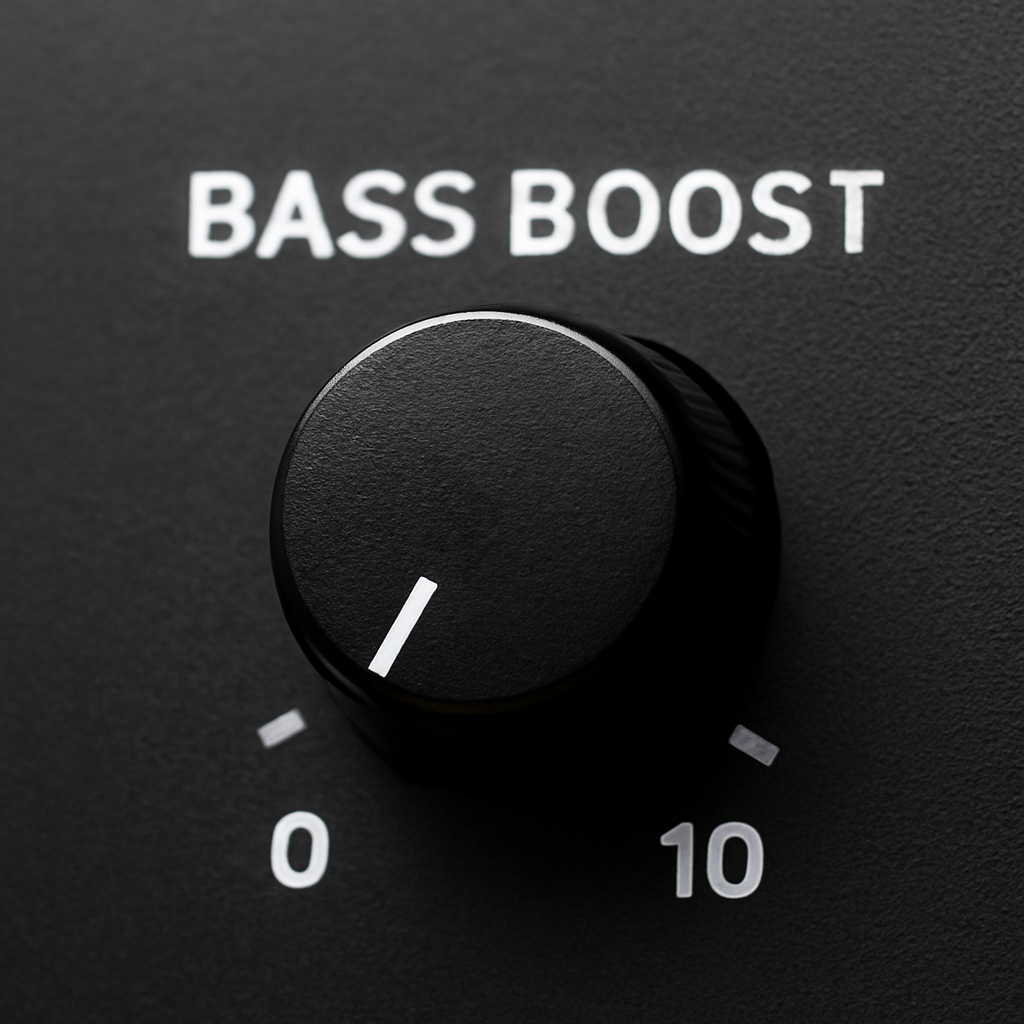
Let’s start at the heartbeat of your bass: locating the bass boost control on your amplifier. It’s usually a small dial or recessed pot that can punch up sound if you tweak it right.
In many amps, the boost lives as a small knob or a recessed potentiometer—labeled Bass Boost, BB, or Boost. If you can’t find it, pull out the manual or open the DSP software for your processor to confirm the exact location.
Locating the control
Power off before touching anything—we don’t want to send noise into the system or slip a screwdriver into the wrong spot.
On many multi‑channel amps, the bass boost is near the power terminals or along the edge of the heatsink. Look for a tiny hole or a knurled knob. If you’re dealing with a DSP‑enabled amp, the boost may be a digital parameter rather than a physical pot.
Here’s a quick checklist to identify it fast:
• Confirm the model in your car’s owner manual.
• Scan the amp faceplate for labels such as Bass Boost, BB, or Boost.
• If required, use a small screwdriver to gently loosen a recessed pot.
Take a breath—finding it isn’t mysterious, it’s just fiddling with tiny dials.
Let’s put this into practice. Once you locate the knob, set it to zero first and listen to a clean bass track. Does this really work? The goal is a tight, controlled thud, not a boomy mess. If you’re lucky, you’ll hear the difference right away—crisp lows that don’t mud the mids.
From Audio Intensity’s perspective, this is where many installs start to sing when the stage is set properly. We’ve seen pros dial in a 0 to 2 dB boost first, then validate with a tone test.
What about protection? Keep the boost modest until you confirm there’s no clipping at peak moments.
To help you remember, we put a quick benchmark: peak a clean bass tone and ensure peaks stay below 0 dBFS.
If you’re about to upgrade the whole system, LED Artistry inspiration can get your lighting synced with the bass—check their setup here.
For European readers, Alexahaz.hu often features compact amplifiers and wiring kits that fit a tight dash.
If you’re coordinating installs across cities, the Boston corporate car service guide can be handy for logistics between shops.
Next, we’ll move on to dialing the gain and setting a safe crossover. That step blends the boost with the sub, so you don’t hear the woofer fighting the midrange. If you want a quick sanity check, replay the test tone at different volumes and verify the bass stays tight across listening positions. Remember: small, deliberate adjustments beat big, sloppy boosts every time. When you’re ready to lock the setup, Audio Intensity is here to help with components that match your goals. We’ll wrap this up with a quick checklist you can print and take to the car. Let’s go.


